CapCut vs Final Cut Pro: Select the Best One in 2025
CapCut vs Final Cut Pro
Editing apps have become famous in this social world. Most people own smartphones and capture videos and images to create memories. To edit their captures, they use editing apps to make their videos stand out on their social accounts. In this post, we discuss CapCut vs Final Cut Pro. If you’re also exploring other editing tools, don’t miss my detailed CapCut vs DaVinci Resolve comparison to help you choose the right editor for your workflow.

CapCut
This is a feature-rich editing app that can be used on your smartphone and PC. CapCut is a famous app among editors due to its fantastic features. It gives videos a professional and unique look that can easily capture others’ attention. This app is free to download, but to access premium features, you need to pay a reasonable amount monthly or yearly.
Final Cut Pro
Final Cut Pro is a program that comes with numerous features for editing. This program is suitable for working with complex projects, large frame sizes, and higher frame rates. You can easily edit your long-form videos with this app. Whether you are a newcomer or experienced, you can try this professional-featured program. You can pay an affordable amount to enjoy this app.
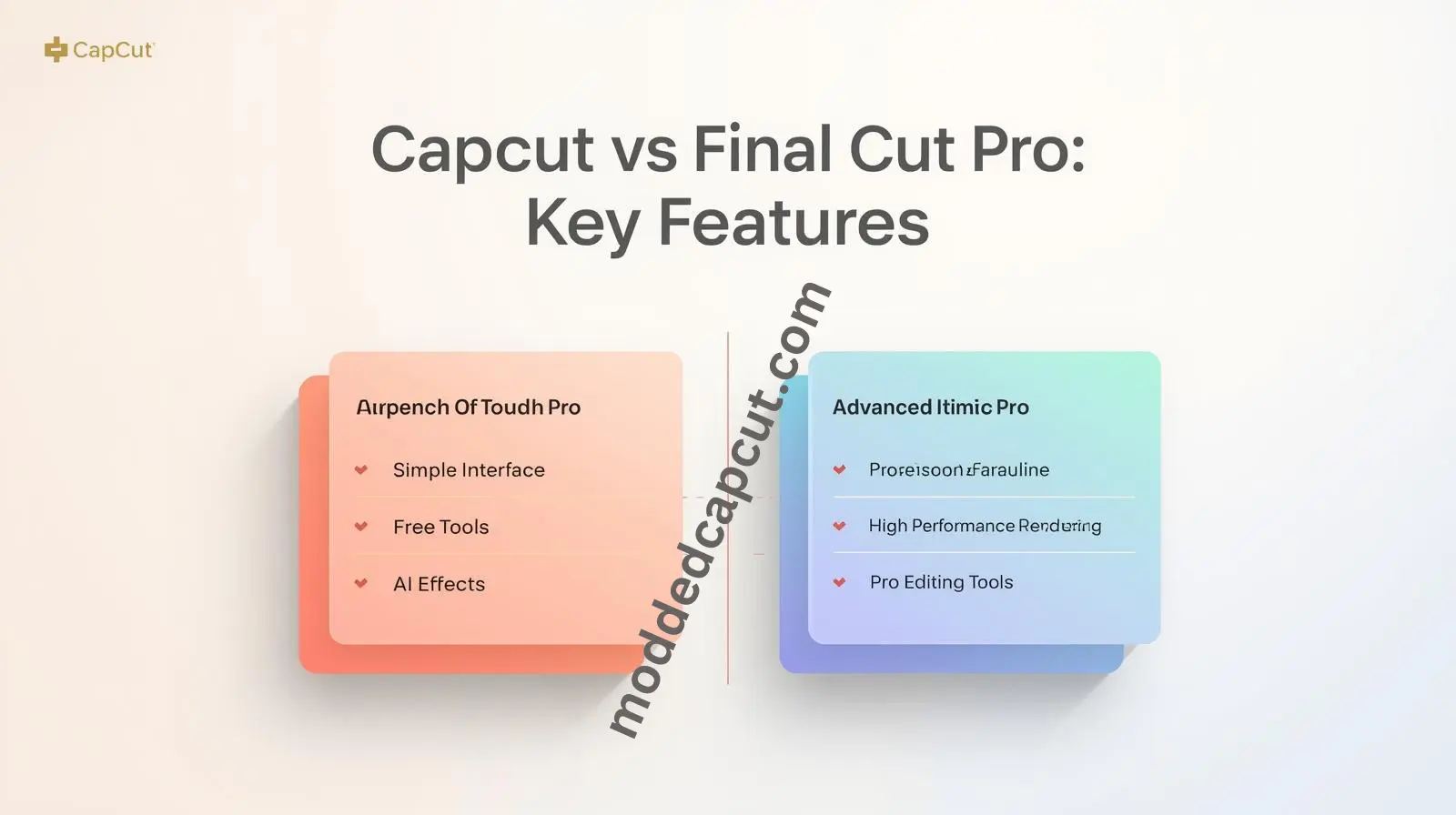
CapCut Vs Final Cut Pro: Key Features
Both Cupcut and Final Cut Pro offer remarkable features to make editing easier. Both apps are slightly vary in some features that we discuss below. You can also check my detailed comparison of CapCut vs KineMaster to see how it performs against another popular editing app:
Platform Availability
You can use the CapCut app on your iPhone or Android, and on PC via Android emulator, such as Bluestacks or LDPlayer. On the other hand, Final Cut Pro is only used on MacBooks or iMacs.
Purchases
CapCut is a free to downalod app where you can enjoy basic features. If you love to try premium features, you can buy CapCut’s subscription plan monthly or yearly. On the other hand, Fial Cut Pro needs one one-time purchase, which is more budget-friendly than CapCut Pro.
AI Tools Availability
CapCut comes with multiple AI-powered tools that make editing even easier. You can easily add auto-captions and remove the background in CapCut. These features make this app ideal for daily users. Unlike CapCut, Final Cut Pro comes with limited AI-powered features.
Key Features
The key features that make CapCut famous include trendy templates, effects, and styles. Cross-platform availability also makes it more usable. On the other hand, the magnetic timeline, media library, audio roles, and color tools are all the features that make Final Cut Pro unique.
Best For
CapCut is best for UGC creators, short reels, and TikTok videos. On the other hand, Final Cut Pro is suitable for Mac users who are working on long-form YouTube series or band films
User Interface
CapCut comes with a user-friendly interface that makes it ideal for beginners. Its simple layout makes it easy to navigate. On the other hand, Final Cut Pro offers a learning curve from moderate to advanced. Beginners need time and practice to get comfortable with it.
“For a detailed comparison, you can also check my in-depth guide on iMovie vs CapCut here: iMovie vs CapCut.”
CapCut Vs Final Cut Pro: Features Comparison
Let’s compare the features of both CapCut and Final Cut Pro so you can easily pick the best editing tool.
| Feature | CapCut | Final Cut Pro |
| User Interface | User-friendly interface even for newcomers | Steeping learning curve |
| Platform Availability | iOS, Android, Linux, macOS, Windows | macOS |
| Pricing | Free | Paid (One-time purchase) |
| Social media integration | Directly share to your accounts | Need manual export |
| AI-assisted tools | Advanced AI-powered features | Contains limited AI tools |
| Online version | Has an online version | Not available |
| Best for | Short-form, fast publishing, mobile content | YouTube, long-form editing |
| File Format Supported | MP4, MOV, and more | MOV, MP4, AVI, AVCHD, MXF, and more |
| Portabiliy | Yes | No |
| Features | Basic editing features like trimming, cropping, adding text, stickers, and sounds | Offers features like multicam editing, color correction |
Pros and Cons of CapCut
Now we will discuss the pros and cons of the CapCut app.
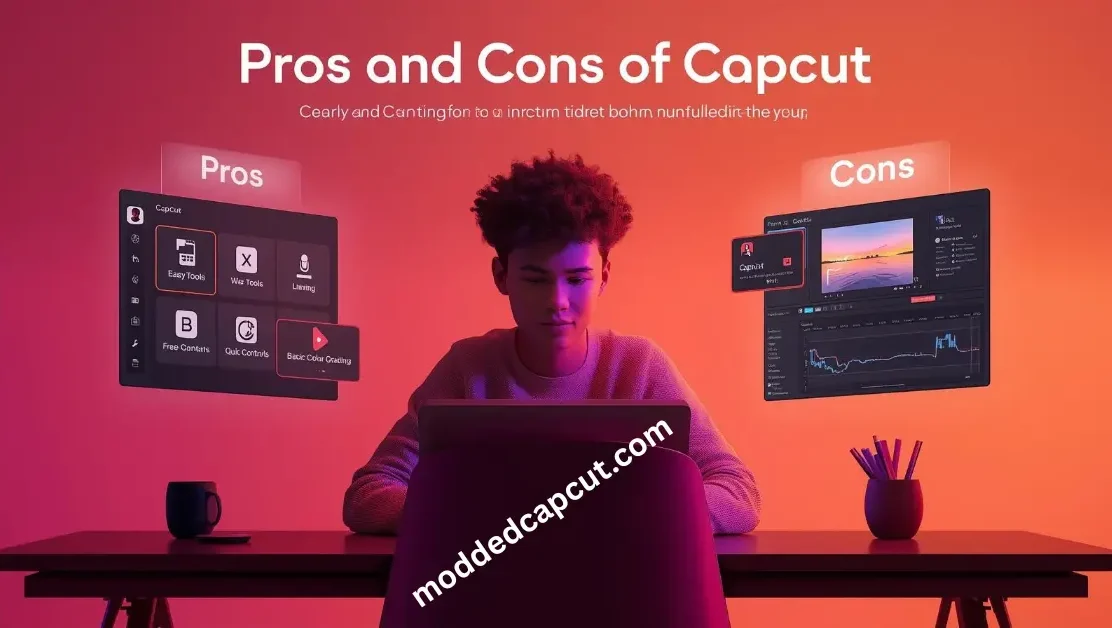
| Pros | Cons |
| Free to use | Limited file support |
| User-friendly interface | No integration with other software |
| Portable | |
| Offers numerous features |
Pros and Cons of Final Cut Pro
The pros and cons of this app are given in the following table.
| Pros | Cons |
| Offers wide file formats | Expensive |
| Integration with other Apple software | Not portable |
| Offers powerful features |
Common Use Cases
We can’t claim that one app is best in all situations. It purely depends on your professional needs. We will guide you on who can use CapCut and who can use Final Cut Pro.
| User Type | Tool |
| Youtuber | Final Cut Pro |
| Tiktok Influencers | CapCut |
| Social Media Managers | CapCut |
| Freelancher | CapCut |
| Commerical Editor | Final Cut Pro |
FAQS Related to Capcut Vs Final Cut Pro
You can also check our simple guide on how to reverse a video in CapCut PC for quick editing help.
Conclusion
Which is the best CapCut vs Final Cut Pro? It depends on who you are and what your intent is. We discussed above that Cpacut is ideal for those who want to create short-form content, such as Instagram reels or TikTok clips. Final Cut Pro is best for macOS users and for creating long-form content, such as YouTube videos. You can pick the one that suits your profession and needs.